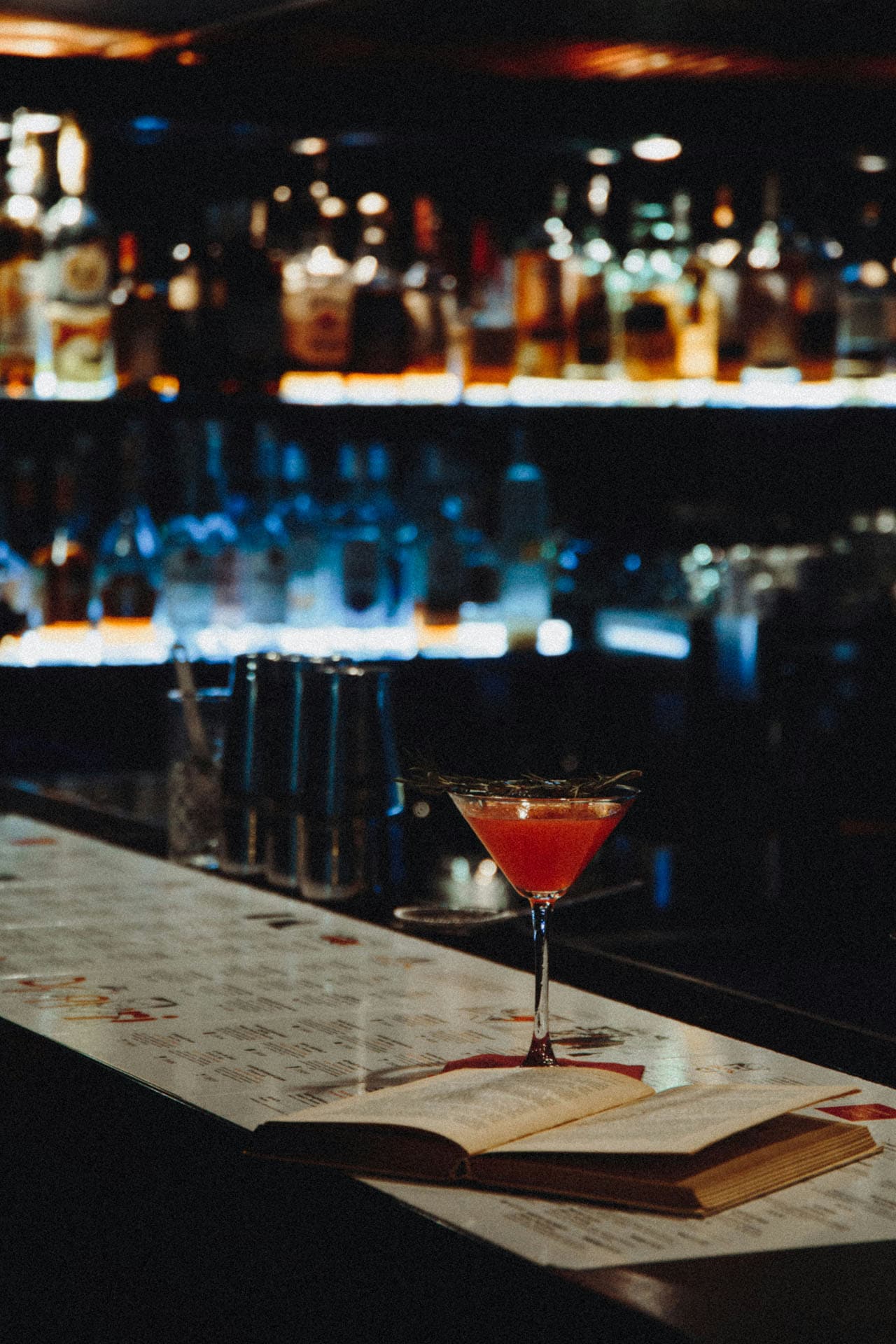
Drink menu
Create a digital drink menu and wine list for your cafe or bar. Several prices per size, wines and cocktails in one place, and price changes in seconds.
An online menu maker that turns your printed menu into a digital menu. No designer, no retyping. Take a photo, AI reads the items and prices, and you check them.
Making a menu, step by step
Five steps, in the order you do them in the app.
Digital menu maker
A digital menu at its own address that you can change whenever you need to.
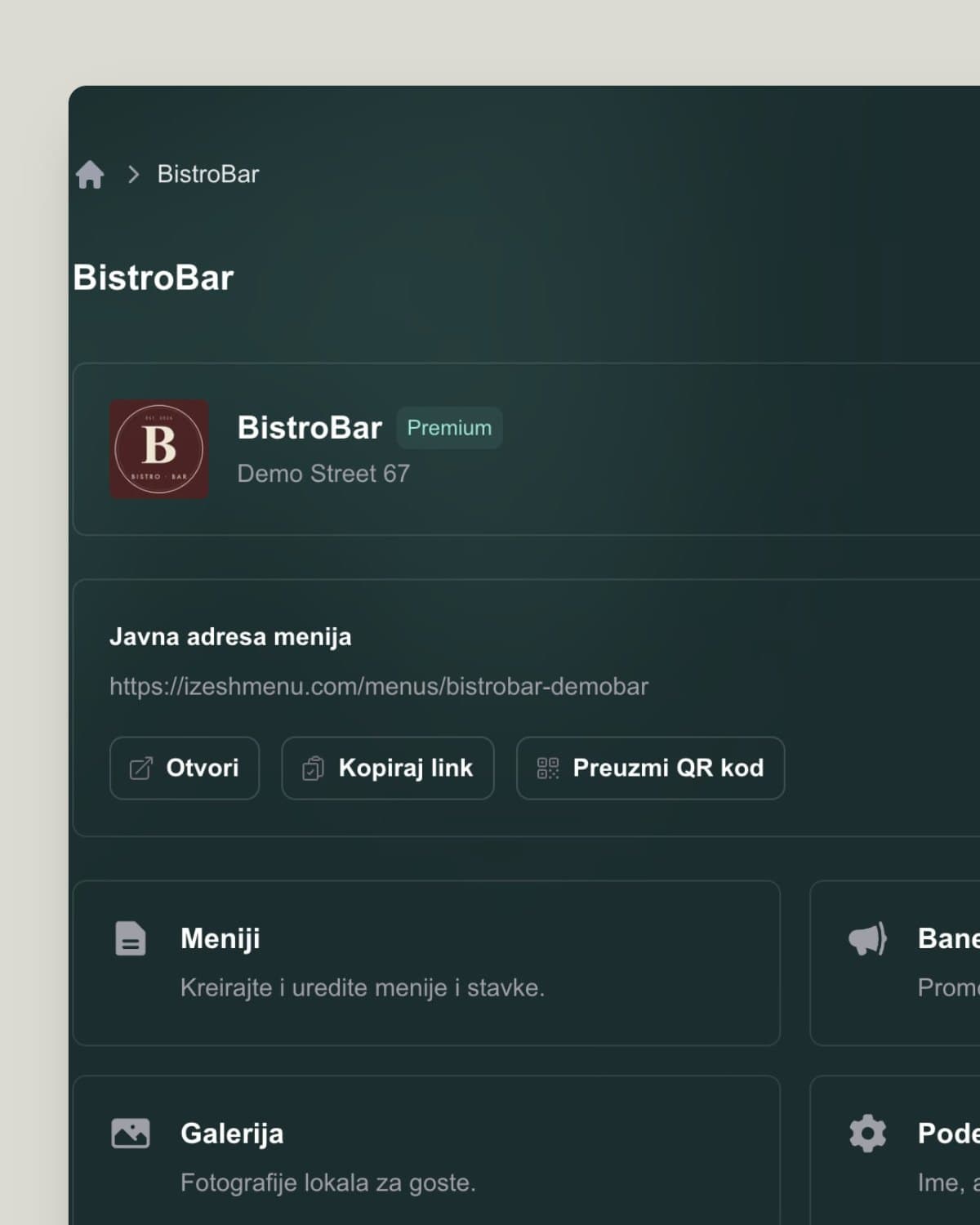
Take a photo of your printed menu and have a digital menu with a QR code in a few minutes.
Your first menu is ready in a few minutes, depending on the number of items. Check what AI recognized before you publish.
No. The themes are ready to use, and you set the colors, fonts and background yourself.
Yes. Every change is visible to guests right away.
No. IzeshMenu is a digital menu, and the only thing you print for the table is the QR code.
Keep reading on similar topics.
Create a digital drink menu and wine list for your cafe or bar. Several prices per size, wines and cocktails in one place, and price changes in seconds.
How to translate a restaurant menu into other languages without hiring a translator. Why it matters for foreign guests and how AI menu translation works.

What a contactless menu is and why guests like it. A contactless QR code menu is cleaner, faster and more practical than paper. Here is how to set one up.