How to digitize a menu
How to make a digital menu and digitize your paper menu without the hassle. Why venues switch, how AI import saves time and which mistakes to avoid.
The contactless menu is no longer a novelty, it's a habit. Guests scan a QR code with their own phone and browse the menu without touching a shared paper copy. It's cleaner, faster and more practical, and it gives your venue a modern, tidy feel. Here is why it pays off and how to set one up.

Benefits for guests
A contactless menu solves a few small but real problems at once. Guests don't touch paper that dozens of hands have flipped through, don't wait for a free menu and browse at their own pace on their own phone.
Benefits for you
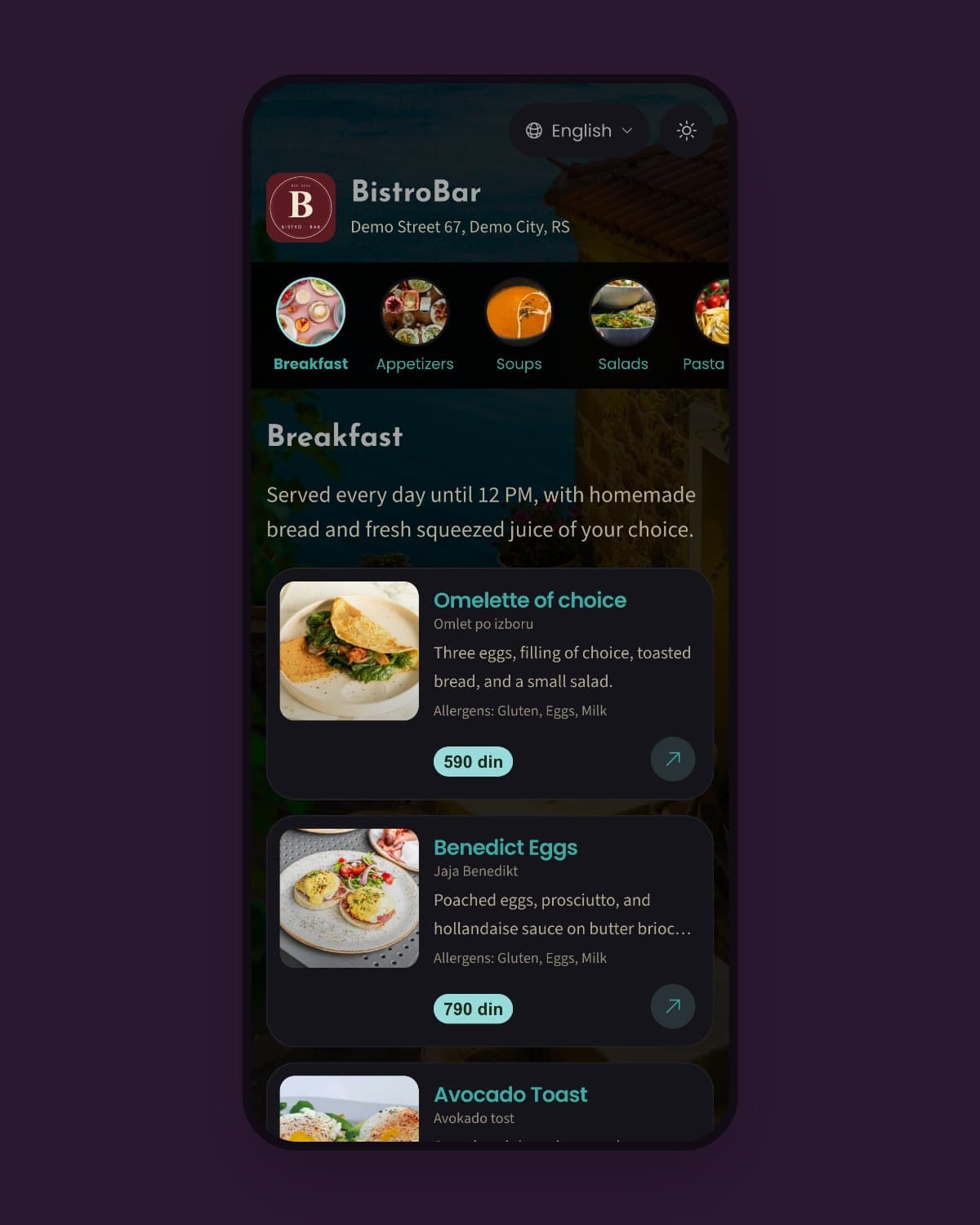
Guests like it, and a contactless menu makes your work easier too. No handing out and collecting menus, no printing costs, and the menu is always current and tidy.
Efficiency
Servers don't hand out and collect menus, so they have more time for guests and service.
Savings
One QR code replaces all your paper menus and every future change, with no trips to the print shop.
Up to date
No worn-out or crossed-out menus. Your offer is always clean, accurate and nicely presented.
Create a contactless QR code menu in a few minutes and give guests a cleaner, more practical way to choose.
It's a menu guests open on their own phone by scanning a QR code, instead of picking up a shared printed menu. Nobody has to touch paper that every guest uses.
No. Guests just point their camera at the QR code and the menu opens in their phone's browser, with nothing to install and no sign-up.
Yes. Most people know how to scan a QR code today, and the menu opens in a simple, clear layout. You can always keep a few printed copies for guests who prefer them.
Keep reading on similar topics.
How to make a digital menu and digitize your paper menu without the hassle. Why venues switch, how AI import saves time and which mistakes to avoid.
Learn how to make a QR code menu step by step: add your dishes, choose the look and print the QR code for your tables. A simple guide for any venue.
Create a digital bar menu with a cocktail menu, photos and descriptions. Guests scan a QR code and pick a drink, and you update the menu in seconds.