How to digitize a menu
How to make a digital menu and digitize your paper menu without the hassle. Why venues switch, how AI import saves time and which mistakes to avoid.
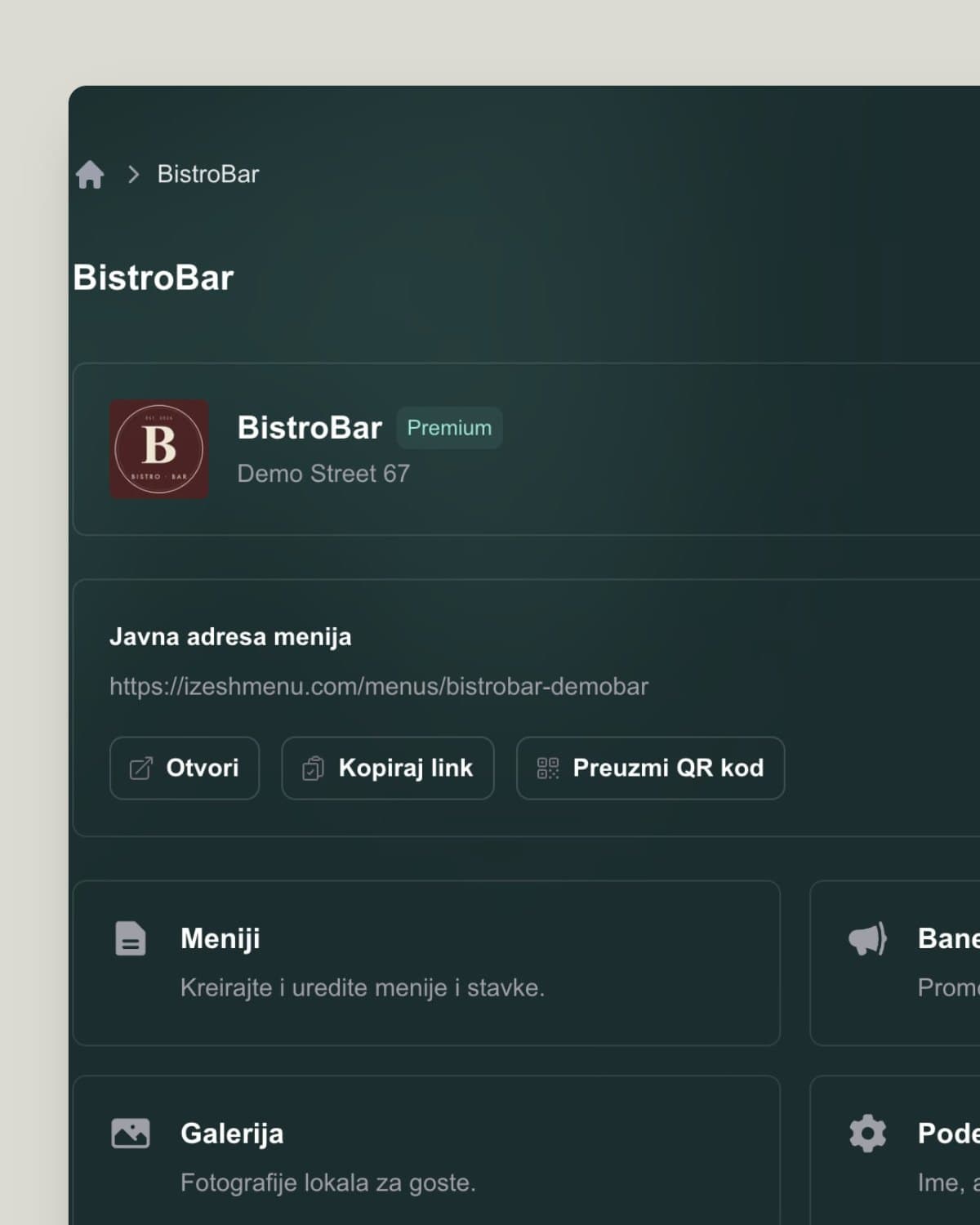
Making a QR code menu sounds complicated only until you've done it once. In practice it takes just a few steps: add your dishes, choose how the menu looks and download the QR code for your tables. This guide walks you through the whole process in plain language, with no technical jargon.
The whole process
You don't need a developer or a designer. The whole job comes down to three steps, all done from one account. Here is how you get from a blank screen to a QR code your guests scan at the table.
Small things that pay off
Once the basic menu is live, a few small steps make a better impression and make life easier for guests. Here is what we recommend before your first guest scans the code.
Visuals
Add a photo at least for your most popular dishes. Guests choose more easily, and dishes with a photo get ordered more often.
Visibility
Place the code where it's easy to see on the table and add a short 'Scan for the menu' so guests know what to do.
Up to date
Hide sold-out items and add new ones regularly. A menu that is always accurate builds trust.
Now that you know the steps, the easiest thing is to try it. Create an account, add your menu and download the QR code.
No. The whole process is designed for people with no technical background: you add your menu, choose the look and download the code in a few simple steps.
For a typical cafe or small restaurant, about 10 to 15 minutes. With AI import from photos of your printed menu, it's even faster.
No. The QR code stays the same, and only the menu behind it changes. Print the code once and keep using it after every update.
Keep reading on similar topics.
How to make a digital menu and digitize your paper menu without the hassle. Why venues switch, how AI import saves time and which mistakes to avoid.
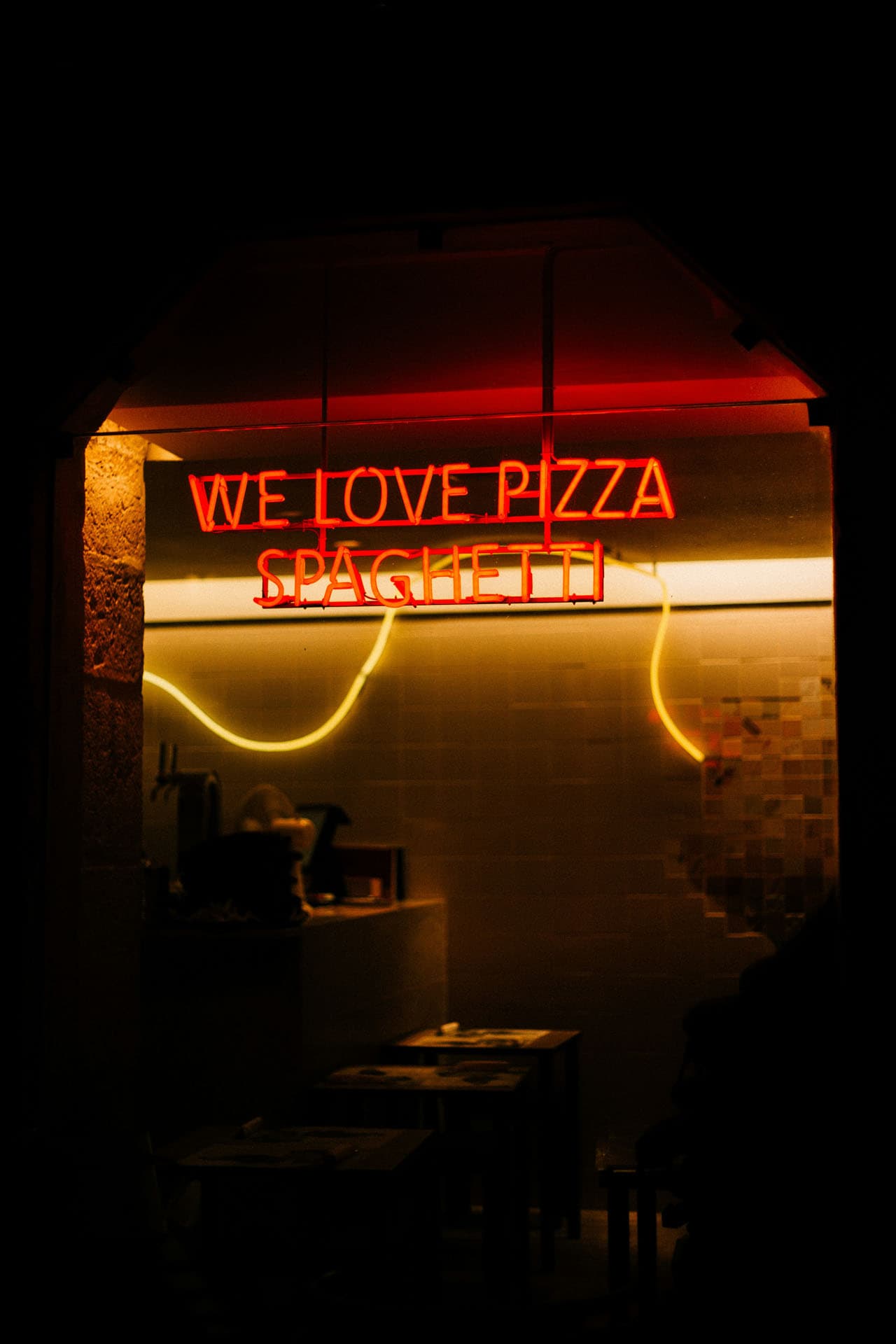
Create a digital bar menu with a cocktail menu, photos and descriptions. Guests scan a QR code and pick a drink, and you update the menu in seconds.
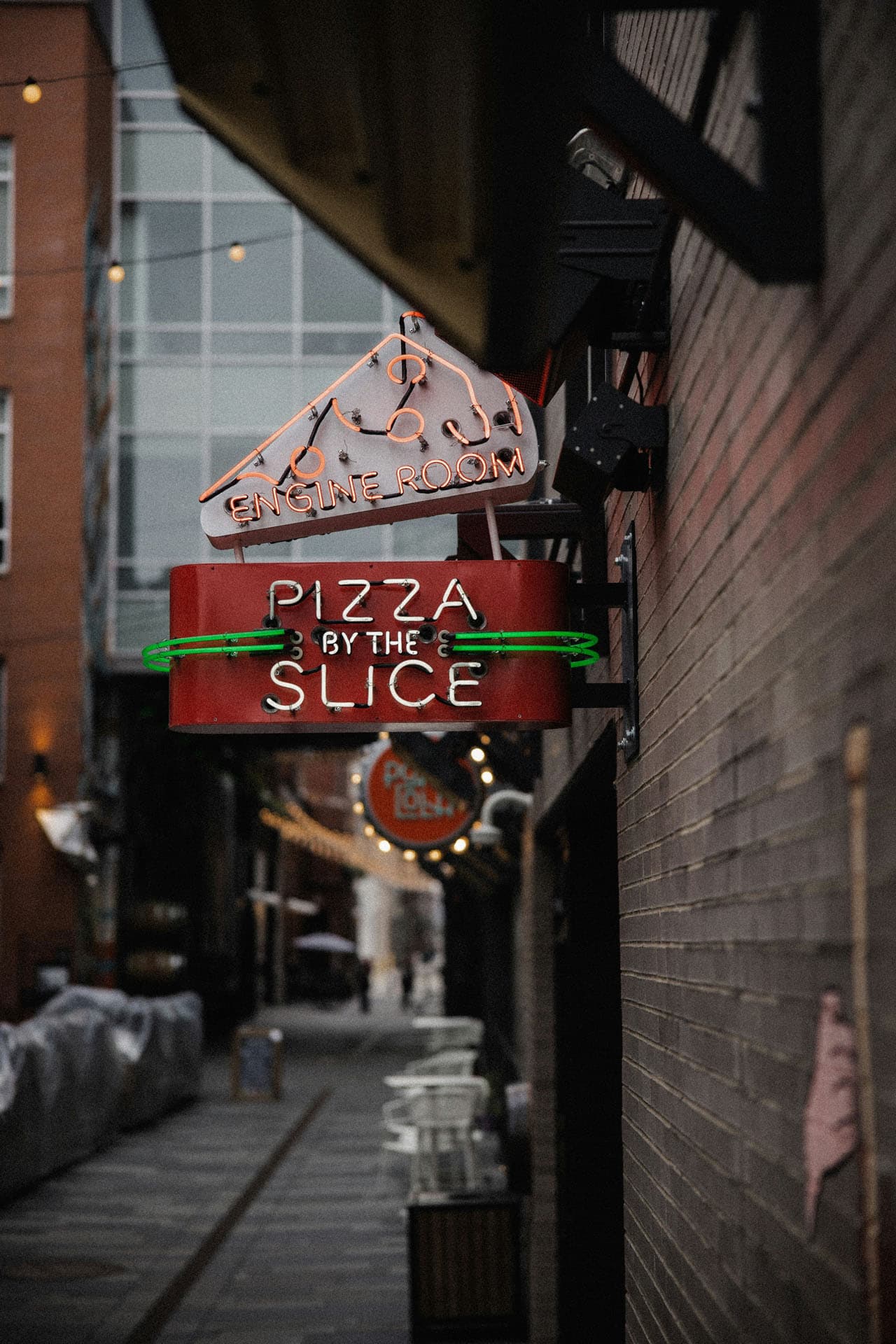
Build a digital menu for your restaurant with photos, descriptions, the 14 allergens and AI translation. Guests scan a QR code and order with confidence.