Translate your restaurant menu
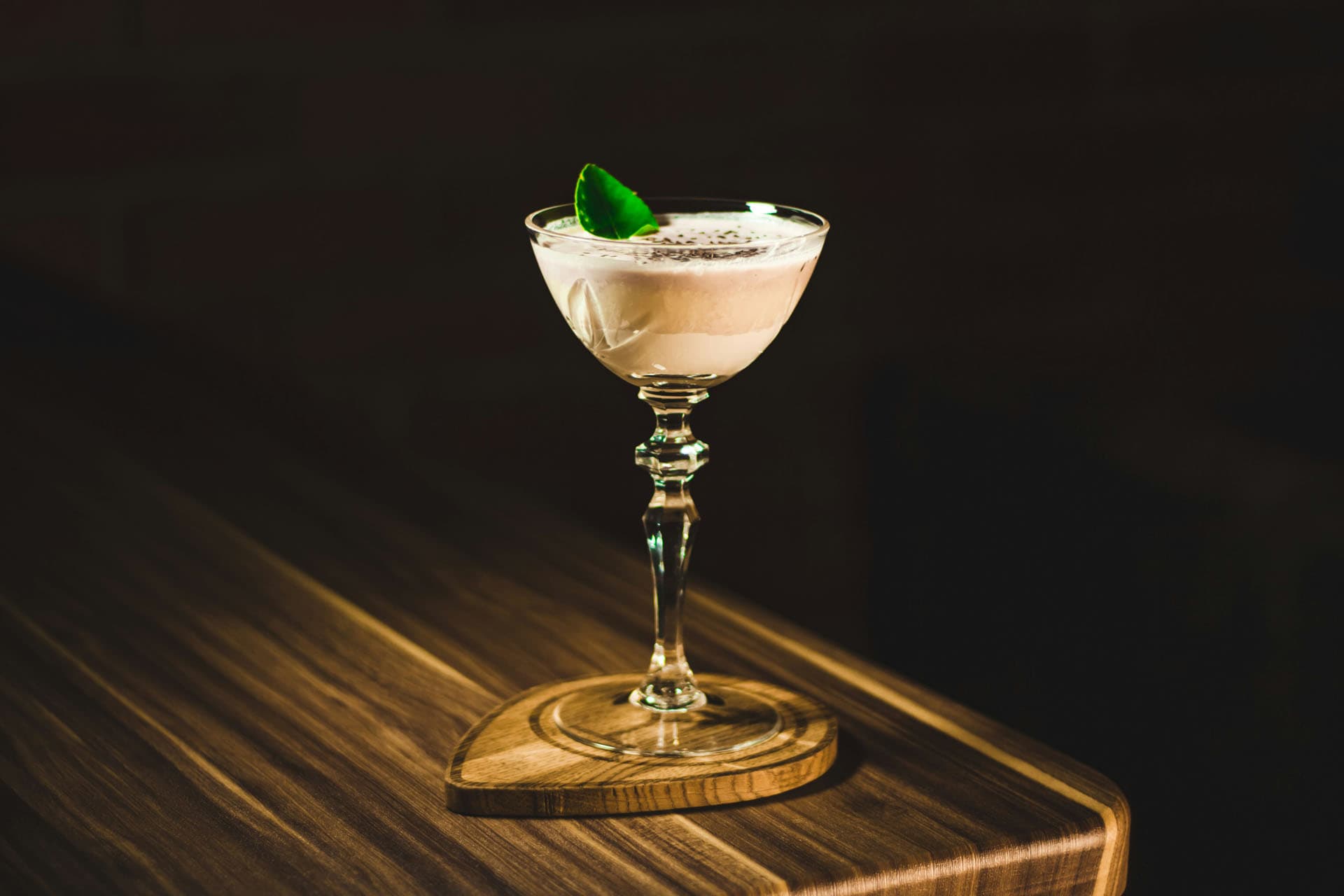
How to translate a restaurant menu into other languages without hiring a translator. Why it matters for foreign guests and how AI menu translation works.
A drink menu for your cafe, bar or restaurant on your guests' phones. Several sizes per drink, your wine list and cocktails all in one place.
Drink prices
A new beer price, a new season of cocktails, a drink that ran out. You change it all in the menu editor, and guests see it the next time they scan.
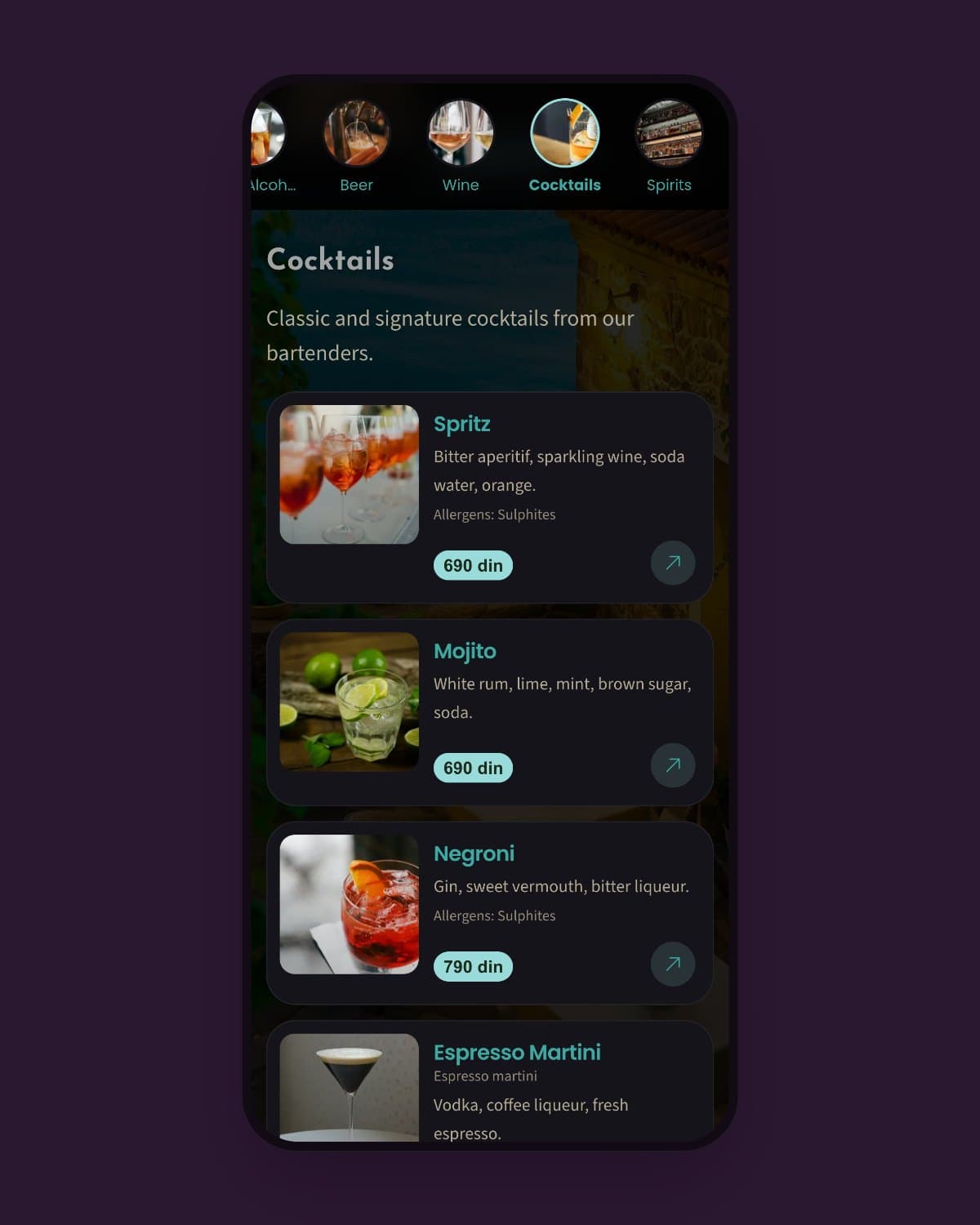
Drink menu
A venue can have up to 5 active menus. Keep your drink menu, wine list and food menu separate, and guests choose which one to open.
Wine list
Grape, winery and vintage in the description, with a price by the glass and by the bottle.
Cocktails
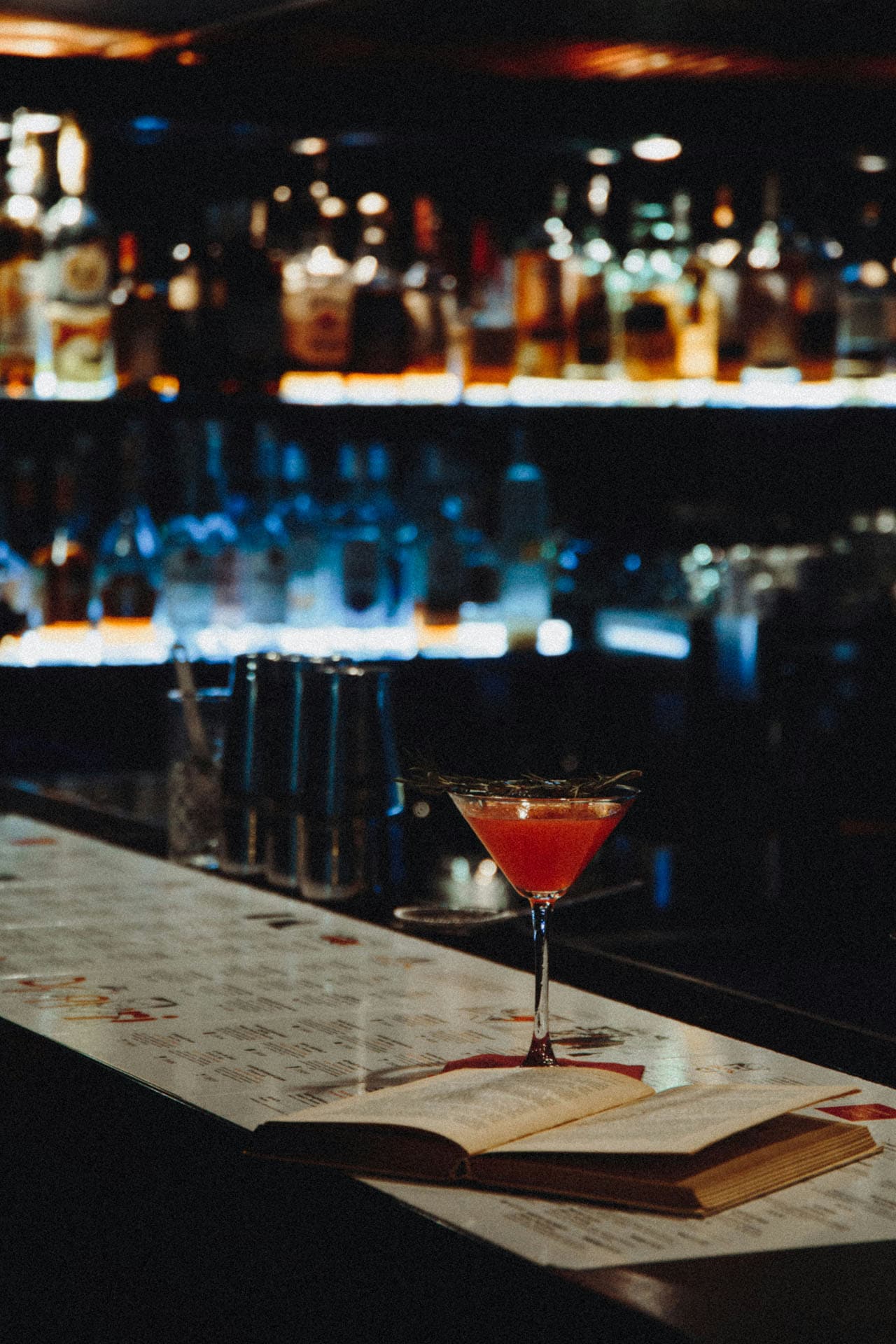
A photo and the ingredients for every cocktail. AI helps make the description sound tempting.
Beer
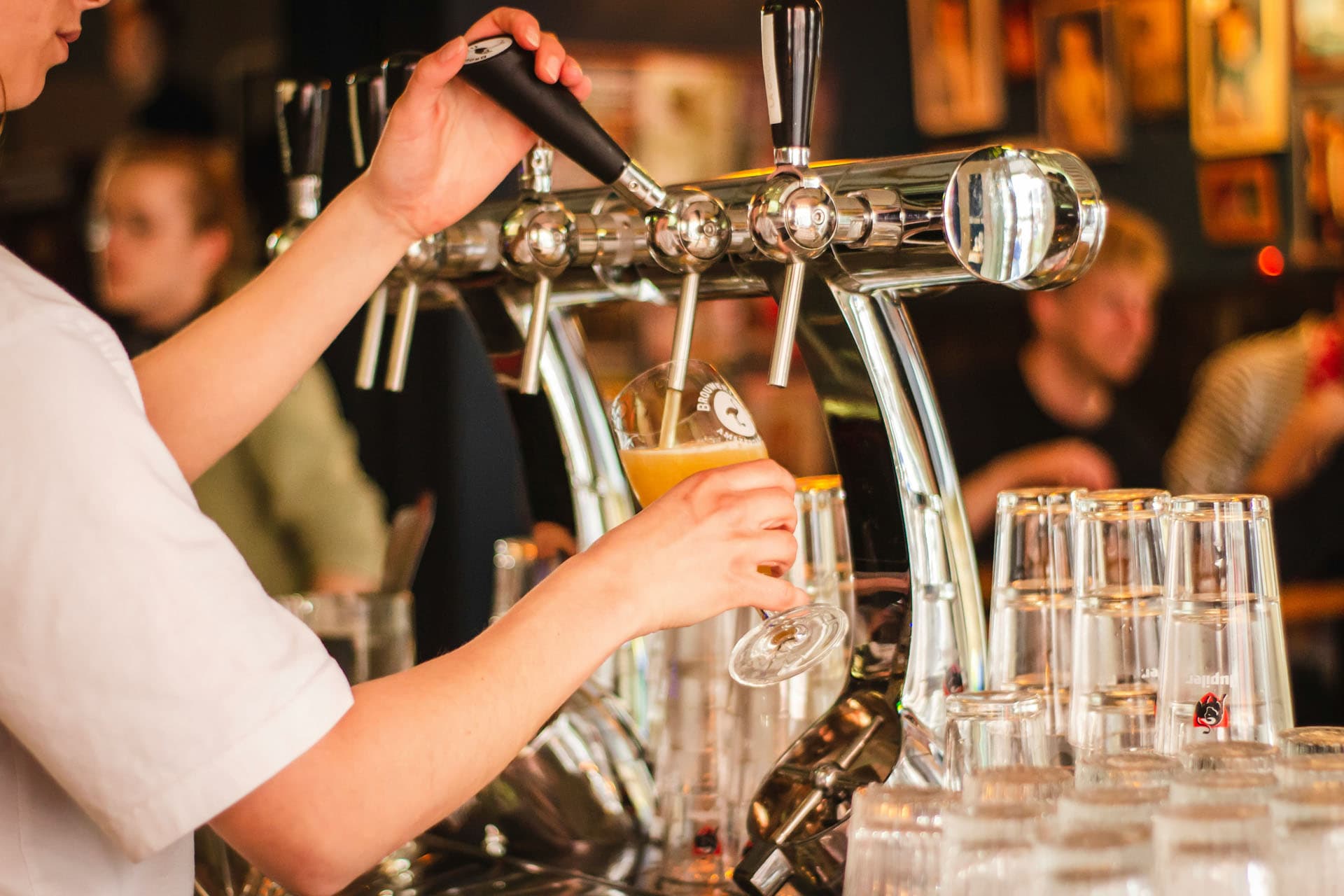
Sizes and prices side by side, and you add new beers as soon as they arrive.
Take a photo of your current drink menu and AI turns it into a digital drink menu with prices and sizes.
Yes. A venue can have up to 5 active menus, for example a drink menu, a food menu and a wine list.
Each item can have several prices with a size label, for example 0.2 l and 0.5 l, or glass and bottle.
Yes. Take a photo of your printed drink menu and AI picks out the drinks, sizes and prices. You check them before publishing.
For each drink you choose allergens from the 14 listed in EU Regulation 1169/2011, for example sulfites in wine.
Keep reading on similar topics.
How to translate a restaurant menu into other languages without hiring a translator. Why it matters for foreign guests and how AI menu translation works.

What a contactless menu is and why guests like it. A contactless QR code menu is cleaner, faster and more practical than paper. Here is how to set one up.
How to make a digital menu and digitize your paper menu without the hassle. Why venues switch, how AI import saves time and which mistakes to avoid.