Daily specials menu
A daily specials menu, breakfast menu and lunch offers on your guests' phones. Up to 5 active menus per venue, plus banners to highlight today's dishes.
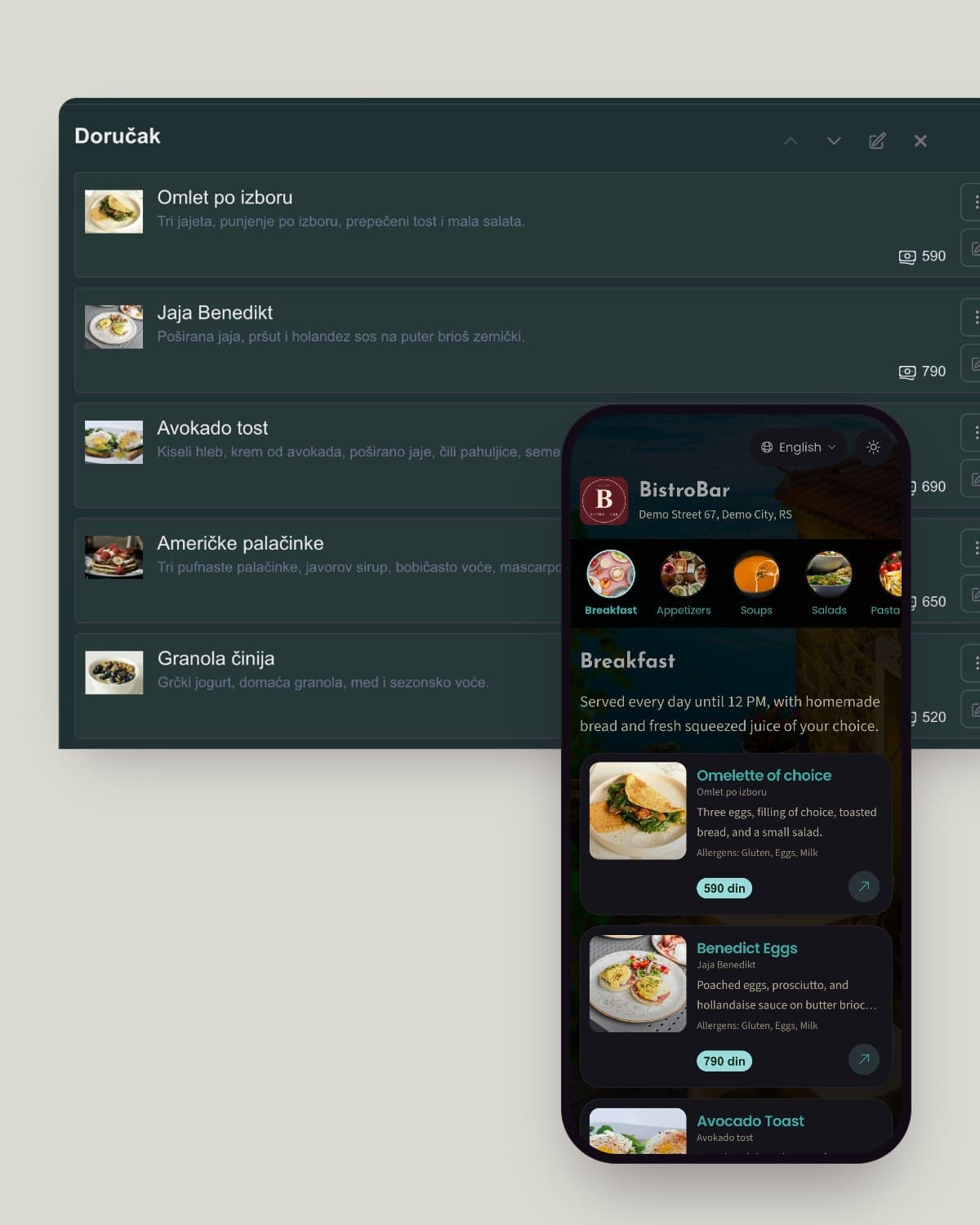
No need to type in every item. Take a photo of your current printed menu and upload it. Our AI menu generator reads the dishes, prices and categories and builds a complete digital menu. All that's left for you is to check it and publish.

AI menu import
Retyping a menu by hand can take hours. AI cuts that down to a few minutes: it reads the text and layout from the photo, sorts the items and fills in the prices. You just go through the result and fine-tune the details.
Save time
When you open a venue or change your whole menu, data entry is the slowest part of the job. AI skips it, so you can spend your time on guests instead of typing.
Efficiency
Even a menu with a hundred items goes digital in a few minutes instead of eating up half your day.
Accuracy
No mistyped prices. AI reads straight from your menu, and you always have the final say.
Control
After the import you can edit any item, then add photos, descriptions and allergens whenever you like.
Upload a photo of your printed menu and let AI do the heavy lifting. Create an account and try the AI menu generator.
From a clear photo, AI reliably picks up dishes, prices and categories. Hard-to-read or handwritten menus may need a small fix, which takes seconds before you publish.
Upload photos of your menu taken with your phone, up to 20 for a longer menu. PDF files are not supported. For the best result, use sharp, well-lit photos.
You can edit anything AI imports. Fix a name, price or category before you publish, then add photos, descriptions and allergens whenever you want.
Keep reading on similar topics.
A daily specials menu, breakfast menu and lunch offers on your guests' phones. Up to 5 active menus per venue, plus banners to highlight today's dishes.
The 14 allergens list from EU Regulation 1169/2011, also used in UK law, and how to label them on a restaurant or cafe menu, in the language of each guest.
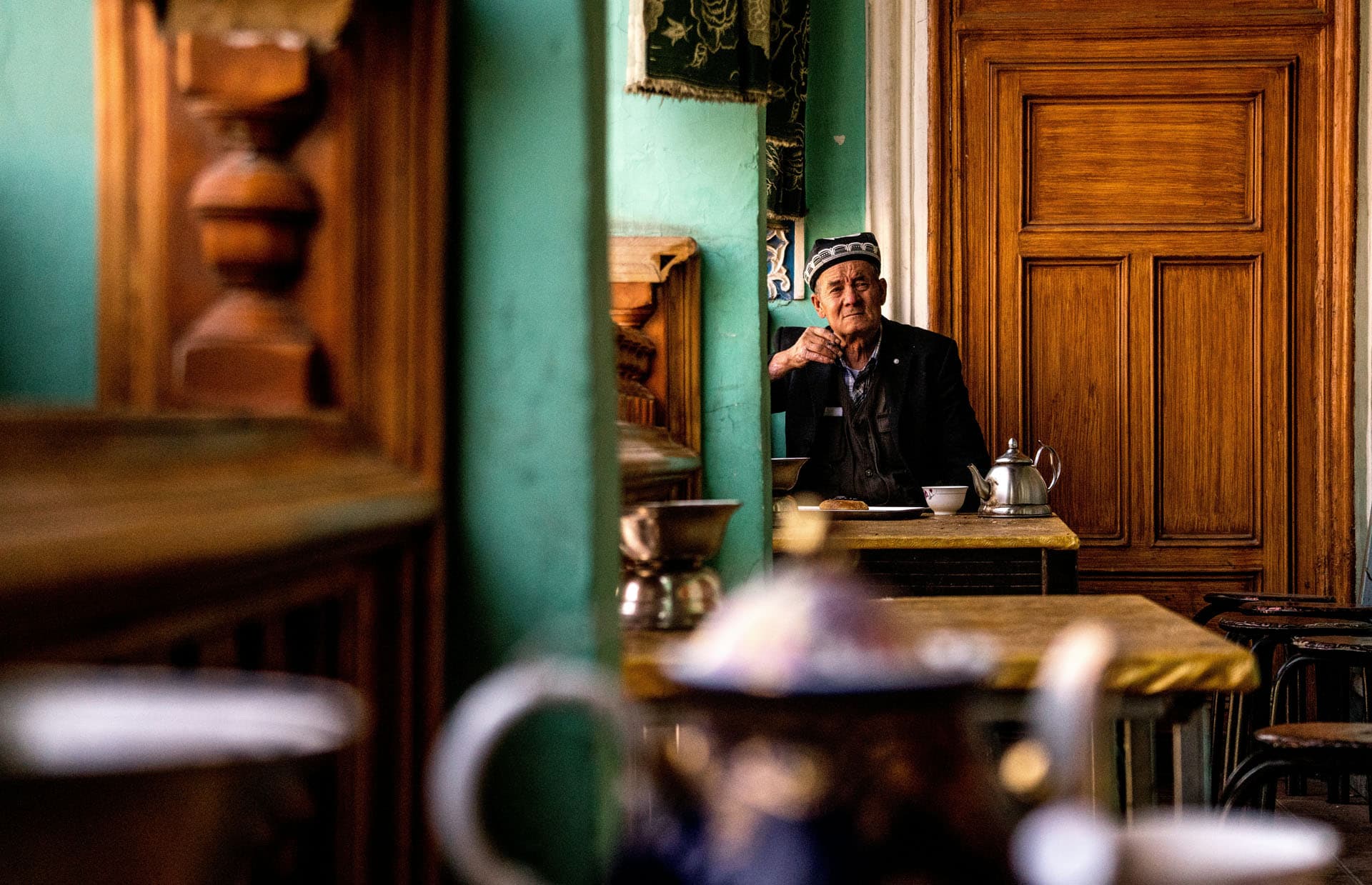
How do you say fish and chips or black pudding in Spanish? British dish names for your menu and how to explain them to guests who speak Spanish.